
Damage repair
Reduce scratches, dust, creases, fading, and uneven exposure in scanned photographs.
Restore old photos online with AI. Repair scratches, fading, dust, blur, and low contrast, optionally colorize black-and-white images, and recover facial detail.
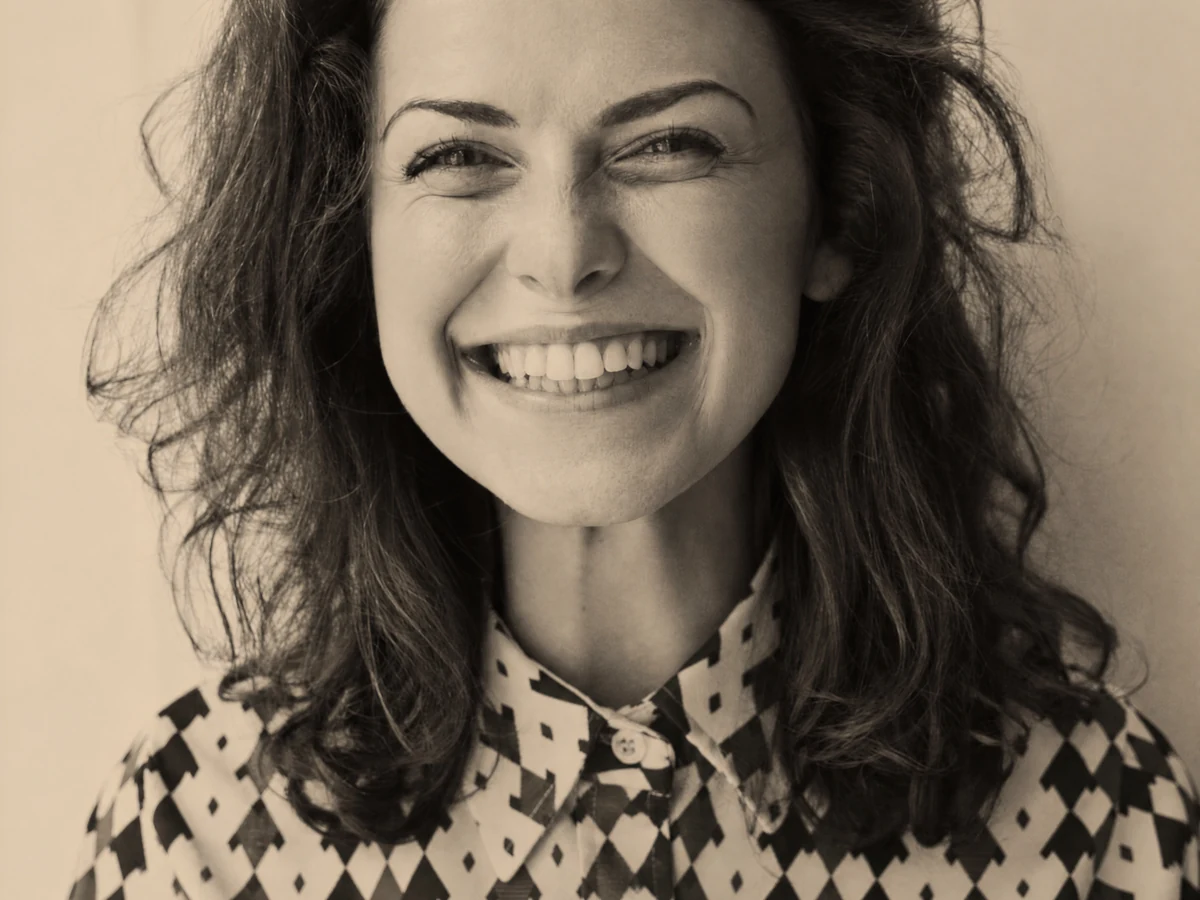
 BeforeAfter↔
Old photo restoration uses AI to analyze damage such as scratches, dust, fading, low contrast, blur, and missing texture. It reconstructs a cleaner interpretation while aiming to preserve faces, clothing, objects, and historical context.
Reduce scratches, dust, creases, fading, and uneven exposure in scanned photographs.
Create a plausible color interpretation while keeping the original black-and-white source untouched.
Recover facial clarity conservatively so family members remain recognizable.
Use one focused workflow instead of a complicated editing suite.
Recover damaged personal photographs.
Improve legibility without rewriting context.
Clean and rebalance an image before reprinting.
Upload the highest-quality copy available.
Repair, colorize or recover face detail.
Let the restoration model analyze damage.
Check identity and historical accuracy before export.
Scan or photograph the original at the highest resolution available.
Crop borders and glare before restoration when they obscure the actual photograph.
Compare faces, clothing, signage, and period details before accepting a restored version.
The workflow is designed to recover conservatively, but severely missing areas may require interpretation.
Yes, colorization is an optional mode and should be treated as a plausible interpretation.
It can improve many scratches, stains, faded regions, and soft details, but completely missing areas may require interpretation.
The workflow is designed to preserve identity, though low-resolution or severely damaged faces should always be reviewed carefully.
Repair damage and tonal contrast first, then colorize the cleaner result if a color version is needed.