
Source-guided illustration
Keep recognizable people, objects, silhouettes, and framing from the uploaded photo.
Turn a photo into an original animation-style illustration online. Preserve the subject and composition while changing color, brushwork, scenery, and mood.
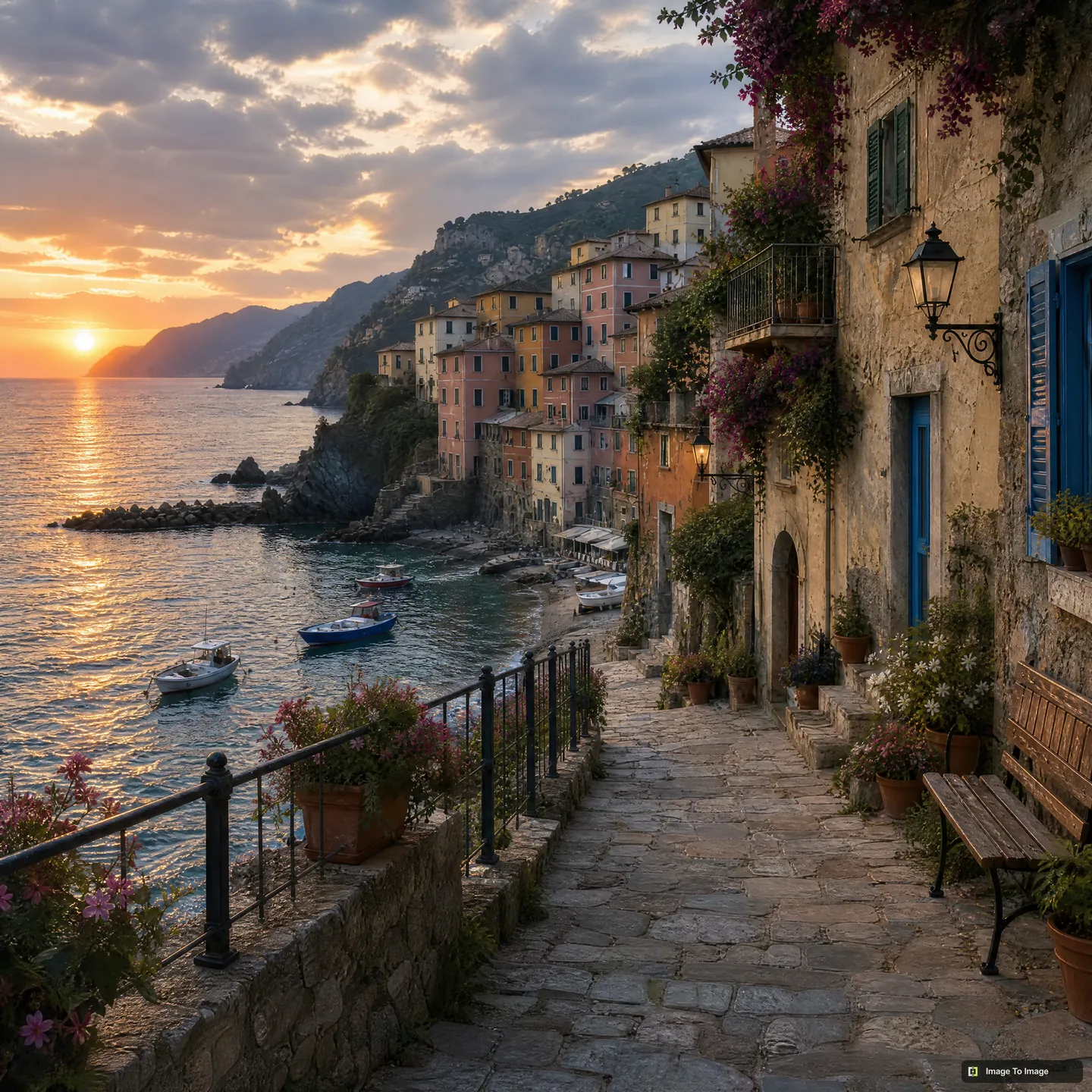
“Warm storybook”
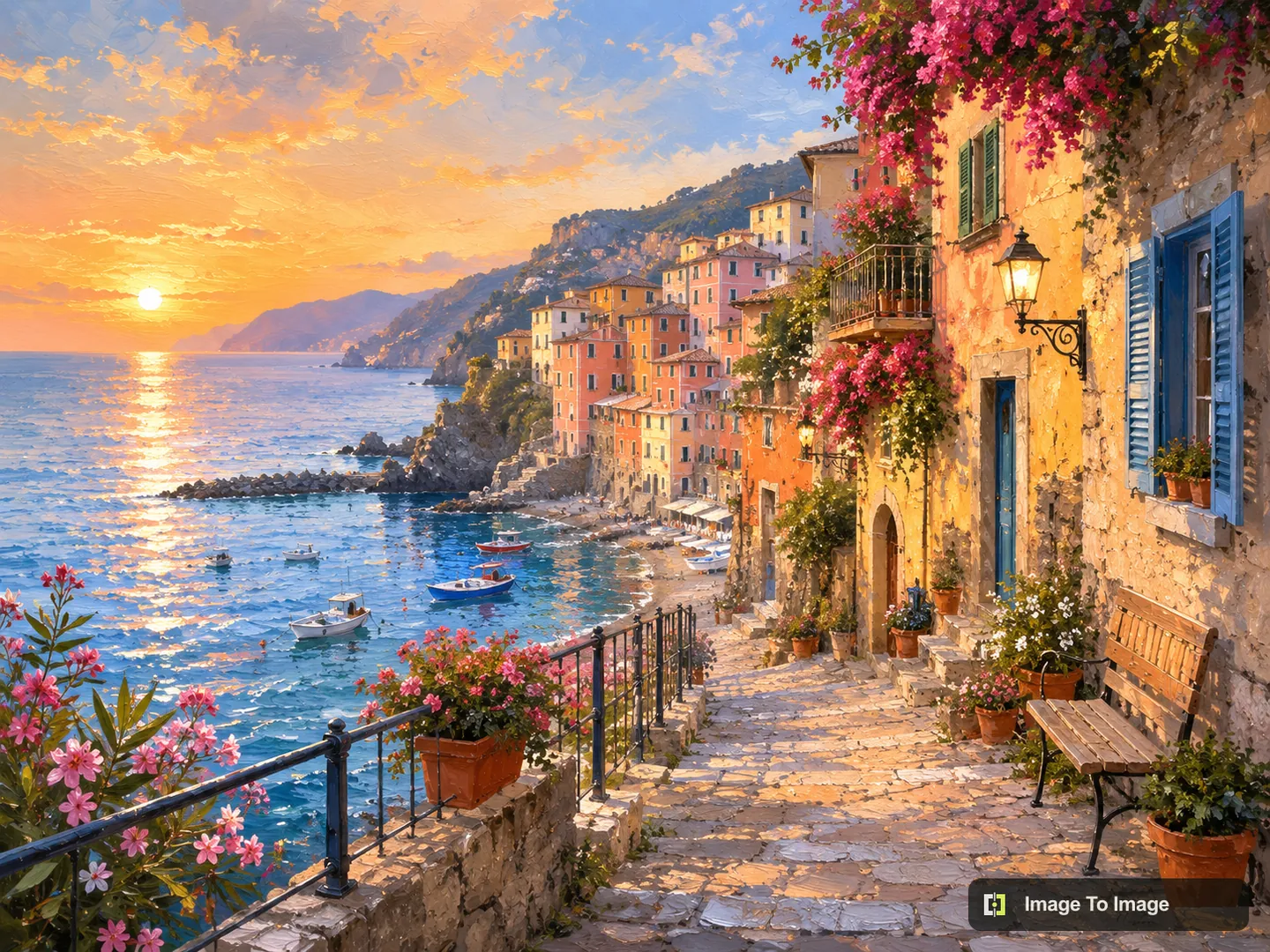
A photo-to-animation workflow uses an existing portrait or scene as structural guidance, then redraws it as an original illustrated frame. It can preserve the subject and composition while changing line work, color, texture, scenery, and atmosphere.
Keep recognizable people, objects, silhouettes, and framing from the uploaded photo.
Choose warm storybook, dreamy landscape, or graphic adventure treatments without copying a named franchise.
Balance likeness and illustrated character through the selected style and transformation strength.
Use one focused workflow instead of a complicated editing suite.
Create an expressive illustrated keepsake.
Translate landscapes into warm storybook imagery.
Explore an animation-inspired visual direction without copying a franchise.
Choose a clear portrait or scene.
Pick an original animation treatment.
Preserve composition while changing the medium.
Download the finished illustration.
Use clear silhouettes and readable facial features in the source image.
Describe palette, brushwork, lighting, and atmosphere instead of naming a living artist or studio.
Lower transformation strength when identity and composition matter most.
No. The presets are original, general animation treatments and do not reproduce a named studio or living artist.
Clear portraits and landscapes with readable silhouettes usually translate well.
Yes. The source photo guides subject placement and composition while the model redraws the scene as an original illustration.
No. The available directions are general, original treatments and should not reproduce a named franchise, studio, or living artist.
Portraits and landscapes with clear subjects, readable silhouettes, and balanced lighting usually translate well.