AI Gender Swap
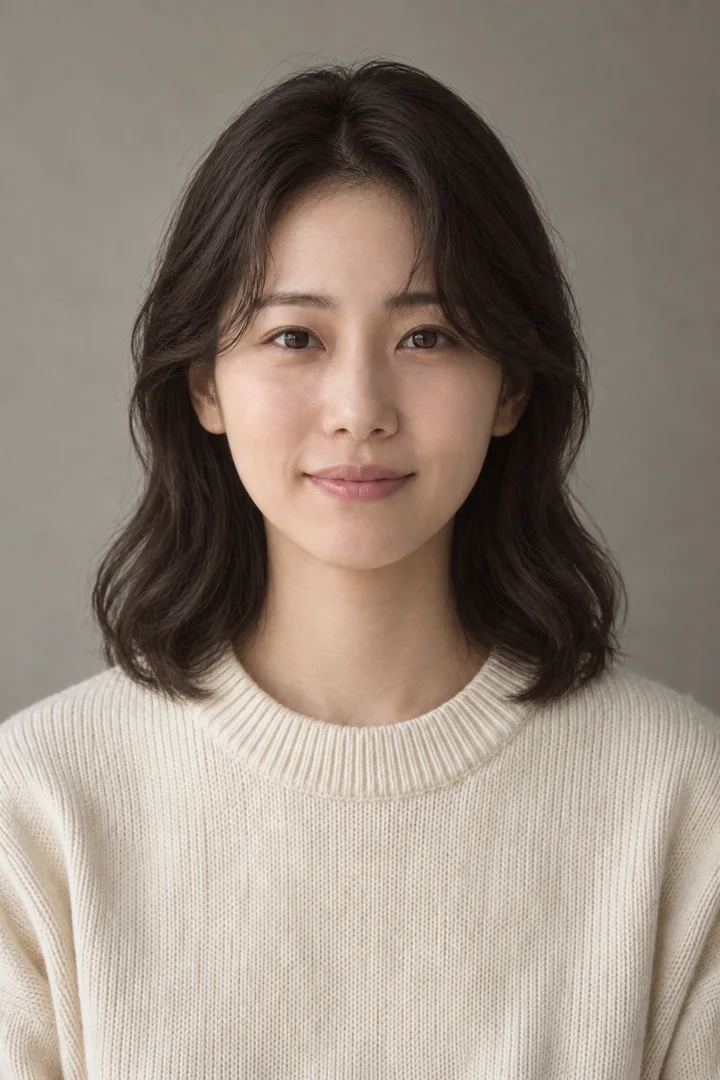
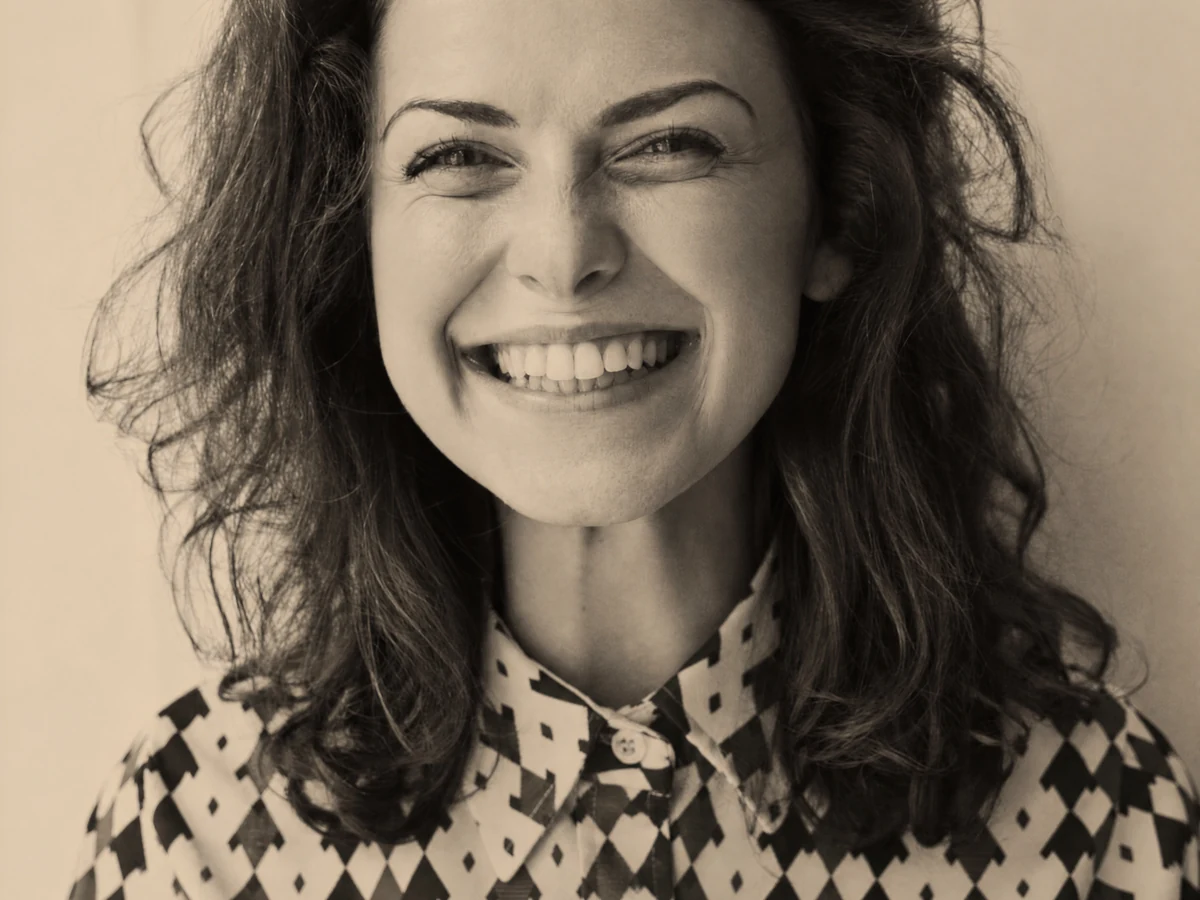
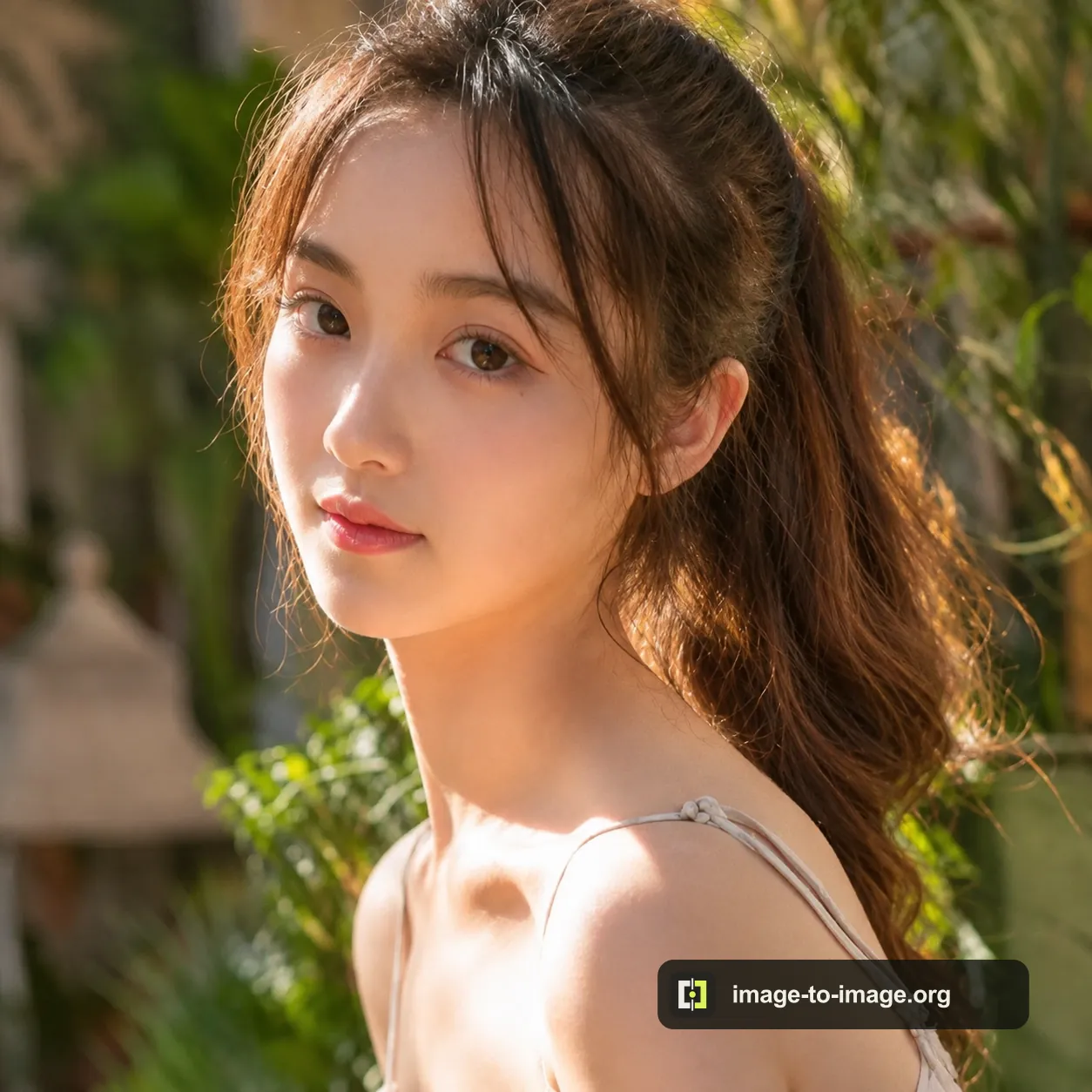
Upload a portrait and create a male or female version while keeping recognizable features.

Choose a focused AI image tool based on the source you have and the result you need. Explore ready-to-use prompts for portraits, product campaigns, posters, illustration, scene changes, and photo restoration. Every template shows whether it works with image-to-image, text-to-image, or both.
Prompt library 14
Copy a prompt or open it directly in the matching AI image tool.Upload a portrait and create a male or female version while keeping recognizable features.

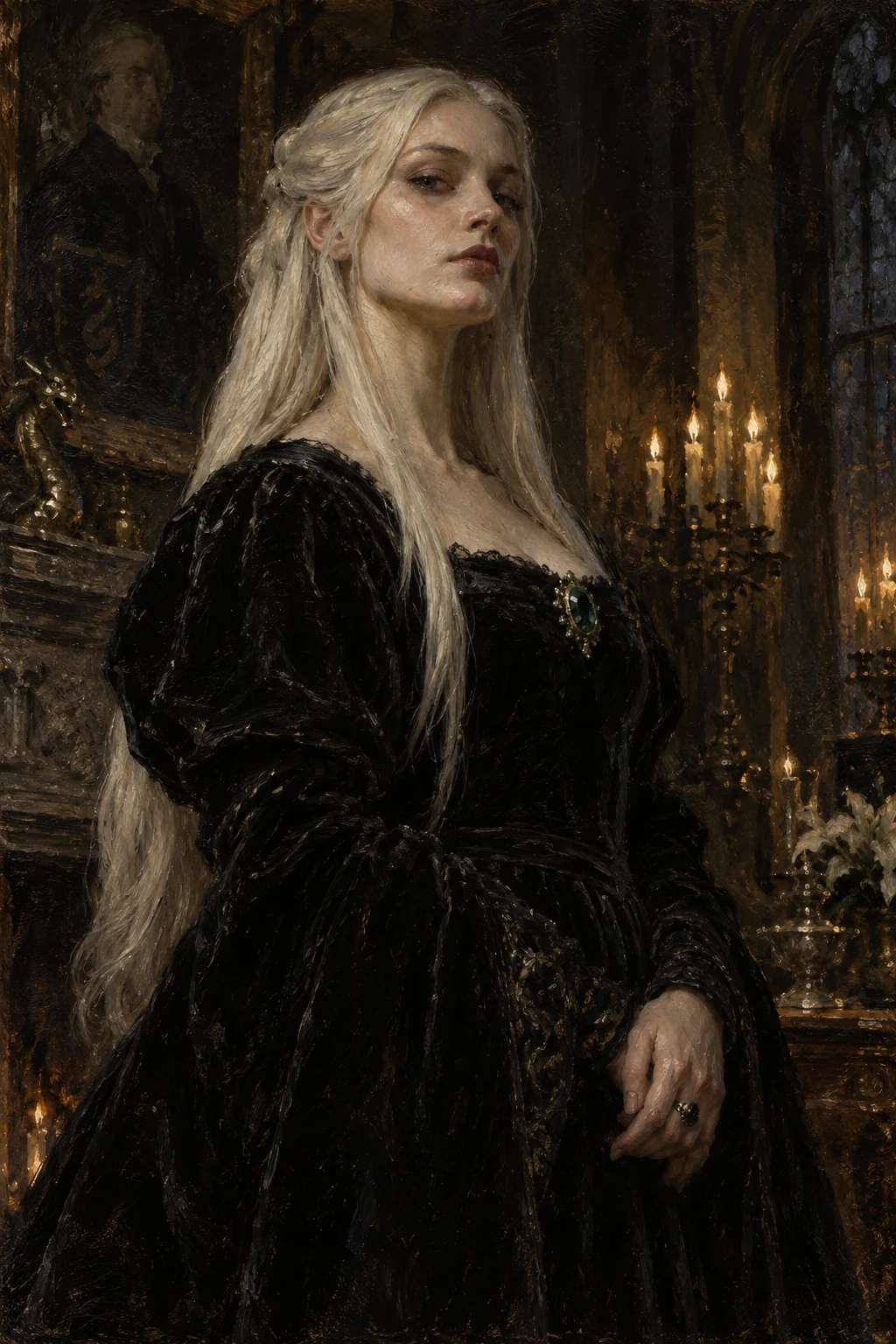
Turn any image into a female Malfoy-inspired creation with 36 styles, scenes and optional custom instructions.

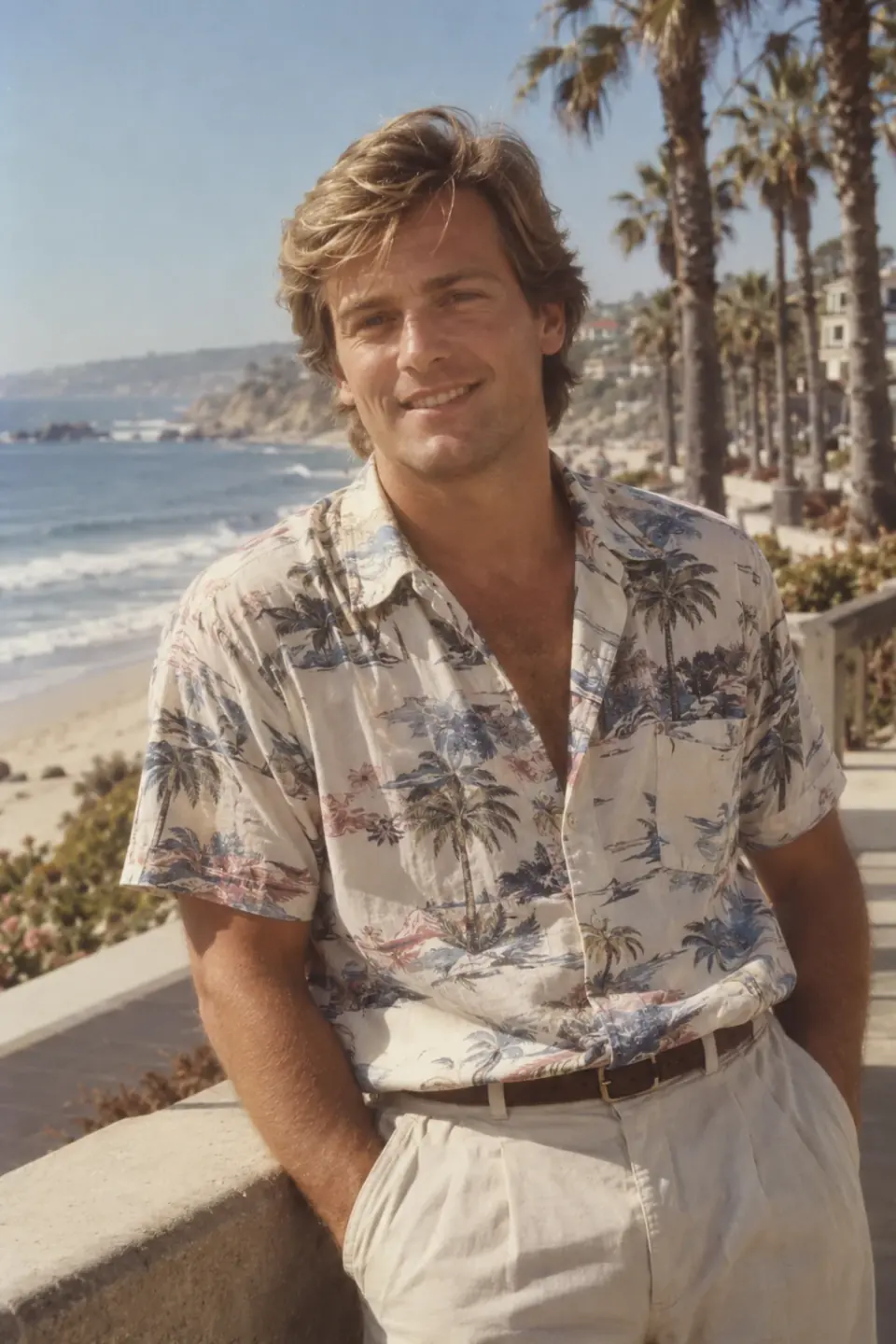
Turn your selfie into an 80s portrait. Choose a studio, mall, graduation or travel scene with vintage hair, clothes, backgrounds and film tones, guided by your facial features.

Upload an image, describe the change, and create a controlled new version without losing what matters.

Create an original image from a required text prompt; no source image is needed.

Upload a source image and enter required instructions to change objects, colors, lighting, or parts of the scene.

Upload an old or damaged photo to repair scratches and fading, optionally colorize it, or recover face detail.

Upload a small image and choose a 1K, 2K, or 4K model to recover detail at a higher output resolution.

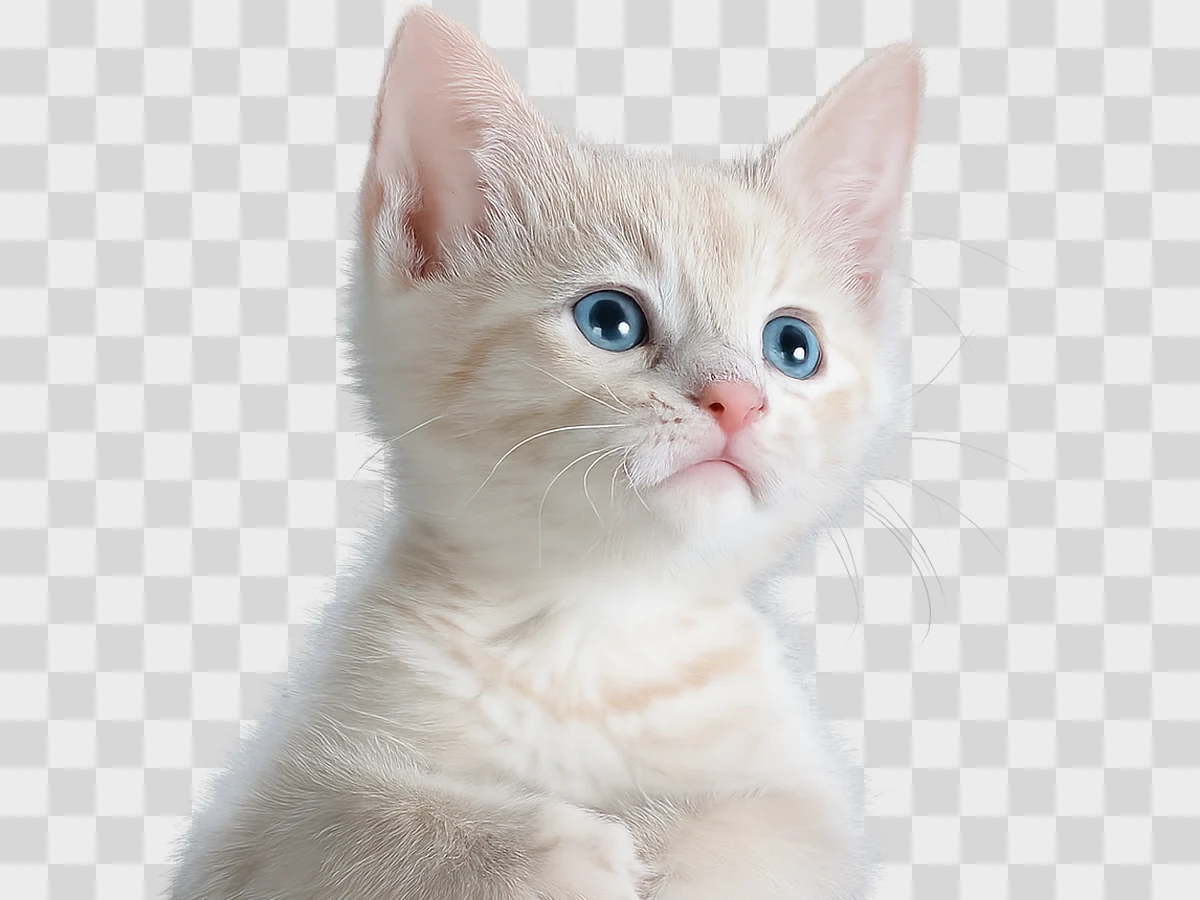
Upload an image with a clear subject to export a transparent-background cutout.

Upload a photo and describe the required new setting to replace only its background.

Upload an image you may edit and remove a watermark, date stamp, or overlay.

Upload a photo or artwork to improve clarity, exposure, color, noise, or portrait detail.

Upload a portrait or scene and apply an original hand-painted animation treatment.

Upload a portrait, pet, product, or scene and convert it into a selected cartoon style.

Add an image or prompt, adjust the available controls, then generate, compare, and download a finished result.
Upload an image, describe the change, and create a controlled new version without losing what matters.
Keep the subject, composition, and visual details that should remain unchanged.
Choose the model, format, output count, and task-specific settings you need.
Compare the result with the source and download the version that works best.
Upload an image or write a prompt, then choose the settings that match your goal.
Choose the model, format, output count, and task-specific settings you need.
Your result will appear here when processing is complete.
Compare the result with the source and download the version that works best.
Add an image or prompt, adjust the available controls, then generate, compare, and download a finished result.
Keep the subject, composition, and visual details that should remain unchanged.
Choose the model, format, output count, and task-specific settings you need.
Compare the result with the source and download the version that works best.